 EN
 עברית
 Español
 Français
 Deutsch
 Português
Best Apple Watch Travel Apps for 2026
Which travel apps are worth having on your Apple Watch: Wallet, Flighty, TripIt, Tripsy, NomadPoint and Google Maps, and what each one shows on your wrist.

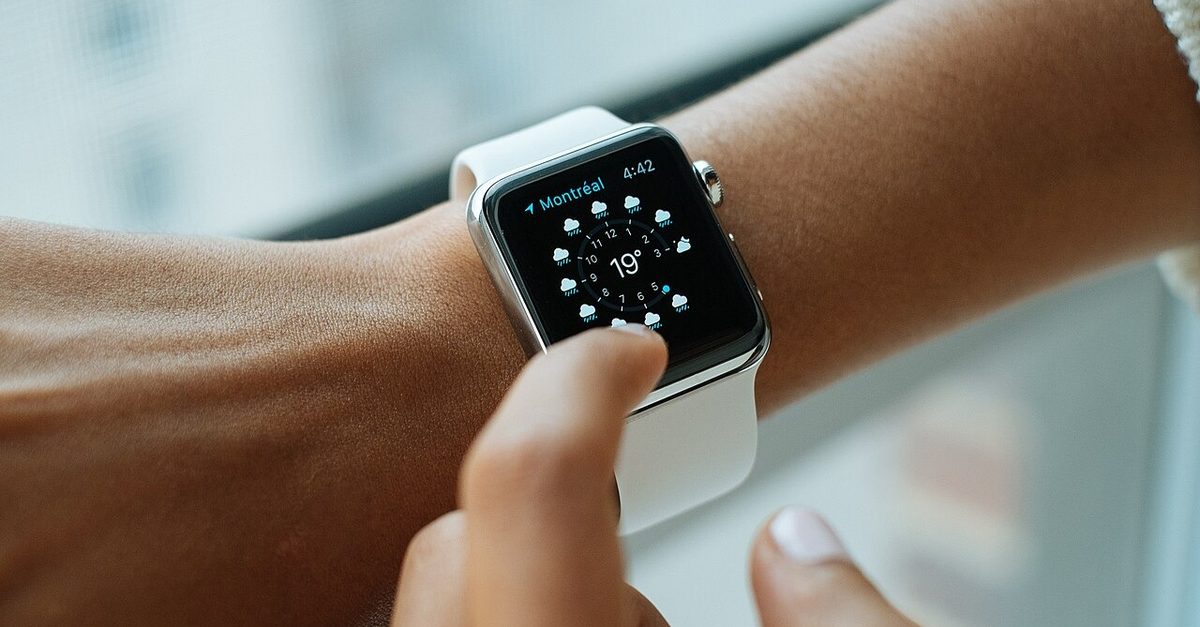
Most travel apps never touch your Apple Watch, and the ones that do don't all show the same thing. On a travel day you want the watch to answer a few questions without reaching for your phone: which gate, which seat, how long until boarding, where am I sleeping tonight, and how do I get there.
Short answer, by the job you want the watch to do:
- Showing your boarding pass at the gate: Apple Wallet, which is already on the watch.
- Following one flight closely: Flighty.
- Bookings you forward from email, on your wrist: TripIt.
- A trip planner with a full watch app on iPhone, iPad and Mac: Tripsy.
- The whole trip, from the flight to the stay to the next step: NomadPoint.
- Walking or driving directions once you land: Google Maps.
Disclosure: we make NomadPoint. Each app below is described from its own App Store listing or help pages, checked on 5 November 2026.
What a travel app should do on the watch
The watch is a bad place to plan a trip and a good place to follow one. So the test for a watch app is simple: on the day you travel, does it put the next thing you need on your wrist without being asked?
That breaks into three questions:
- Does it have a complication? A small item on the watch face is what you'll actually look at. Opening an app on the watch is slower than taking out your phone.
- Does it know what's next? A flight number on its own is easy. The useful part is knowing that the next thing after landing is the train into town and then the apartment check-in.
- Does it update when the plan changes? A gate change only helps if it reaches the watch.
The apps
Apple Wallet: best for the boarding pass itself
If your airline offers "Add to Apple Wallet", that pass shows up on your paired watch too. Apple's Wallet guide for Apple Watch says a card "automatically appears in the Smart Stack based on your time or location", and gives "a boarding pass near your departure time" as the example. Apple's boarding pass support page covers the iPhone side.
Use it for the scan at security and the gate. A pass covers one flight, not your trip, and Wallet knows nothing about your hotel. The other apps here fill that gap.
Flighty: best for one flight in detail
Flighty is a flight tracker first. Its App Store listing lists "Apple Watch app" among the free features and "Apple Watch complications" among the Pro ones, and the watch app needs watchOS 11. Flighty's pricing page lists Pro at $59.99 billed annually, and says Pro is free for your first flight.
Pick it if flights are the stressful part of your trips and you want the most detail about each one. It tracks flights, not the hotel or the rest of the day. If you're comparing, see Flighty alternatives and NomadPoint vs Flighty.
TripIt: best if your plans start in your inbox
TripIt builds the trip from booking emails you forward to it. Its App Store listing mentions "our handy app for Apple Watch and complications", needs watchOS 10, and recent updates added the arrival terminal and gate to flight details on the watch. TripIt's Apple Watch help page says the watch shows "air, car, lodging, transportation items, restaurants and activities", only for "a 30-hour window starting at midnight in the current day", and "Two upcoming trips will display at a time." Real-time flight alerts, gate changes and delays are for TripIt Pro users.
Pick it if you already use TripIt on your phone. The 30-hour window keeps the watch focused on today, which is mostly what you want. See TripIt alternatives if you're weighing a switch.
Tripsy: best for a planner that runs on every Apple device
Tripsy's App Store listing says it "is available on iPhone, iPad, Mac, and Apple Watch, with cloud sync to keep your trips up to date across your devices." The watch app needs watchOS 10. The listing doesn't describe what the watch screens show, so try it on your own trip before you count on it at the gate.
Pick it if you like Tripsy's planner on the phone and want the same trip on the watch. For a feature-by-feature look, see NomadPoint vs Tripsy.
NomadPoint: best for the next step, not just the flight
NomadPoint is a trip planner that holds flights, stays and activities as one journey, so the watch knows what comes after the flight. Its watch app has a Now page, a Today page and an Up Next page. On a travel day that means:
- The flight with terminal and seat, and today's boarding pass code full screen on a white background.
- Where you're staying tonight, with directions and the host's phone number when you've saved it.
- A route map of the journey, your saved documents, and visa days left for the country you're in.
- Watch face complications (circular, rectangular, corner and inline) and a Smart Stack widget that moves the journey to the top on travel and check-in days.
The watch gets this from your iPhone rather than holding the trip itself, and it needs watchOS 10 or later, per the App Store listing. The planner, the itinerary, the watch app and Schengen 90/180 counting are free. NomadPoint Pro ($47.99 a year or $7.99 a month in the US, from our pricing page) adds flight delay, gate and cancellation alerts, the travel-day Live Activity, and alerts before a visa or stay allowance runs out. It also runs on iPhone, iPad and Mac. It has no Android app.
Pick it if you want the watch to answer "what now?" across the whole trip, not just during the flight. The visa days are a bonus if you cross borders a lot.
Google Maps: best for getting around once you land
Google Maps lists Apple Watch support on its App Store listing, with watchOS 9 or later. Apple Maps comes with the watch.
Use it for walking from the station to the hotel without holding a phone. It doesn't know about your bookings, so it pairs well with any of the planners above.
Which ones to install
You don't need all six. A setup that covers most trips:
- Wallet for the pass, since it costs nothing and gate scanners expect it.
- One planner for the trip: TripIt if you live in your inbox, Tripsy or NomadPoint if you'd rather plan in the app. Pick NomadPoint if you also want the stay, directions and next step on the watch.
- Flighty, only if you fly often enough to care about the extras its listing sells in Pro, such as delay predictions and tail numbers.
Whichever planner you choose, put its complication on the watch face you wear on travel days, so the next step is visible without opening anything.
For phone-first picks, see the best travel planning apps and the best app to organize a travel itinerary. If the flight is the thing that keeps changing, read what to do when the airline changes your flight time.
Frequently asked questions
Can I use my Apple Watch as a boarding pass?
Yes, if your airline lets you add the pass to Apple Wallet on your iPhone. It then shows on the paired watch, and Apple says it appears in the Smart Stack near departure time.
Does Flighty work on Apple Watch?
Yes. Flighty's App Store listing includes an Apple Watch app in the free features and Apple Watch complications in Pro. It needs watchOS 11.
Does TripIt have an Apple Watch app?
Yes. TripIt shows flights, car rentals, lodging, transport, restaurants and activities in a 30-hour window, two upcoming trips at a time. Live flight alerts need TripIt Pro.
Do Wanderlog or Polarsteps have Apple Watch apps?
Not according to their App Store listings, checked on 5 November 2026: Wanderlog lists iPhone and iPad, and Polarsteps lists iPhone only.
What is the best free travel app for Apple Watch?
Apple Wallet for boarding passes. For the trip itself, NomadPoint's watch app and complications come with the free plan, and Flighty's free tier includes its watch app but not its complications.
Your next step, on your wrist. NomadPoint puts the flight, the stay and what comes next on your Apple Watch, from one journey you plan on iPhone, iPad or Mac. Free to download.
NomadPoint Team
Written by nomads who've lived in 30+ countries. We build the tools we wish existed.